
From download to your first task in minutes
No lengthy setup and no account required to start. Here's exactly what happens between opening Vayoru for the first time and using it.
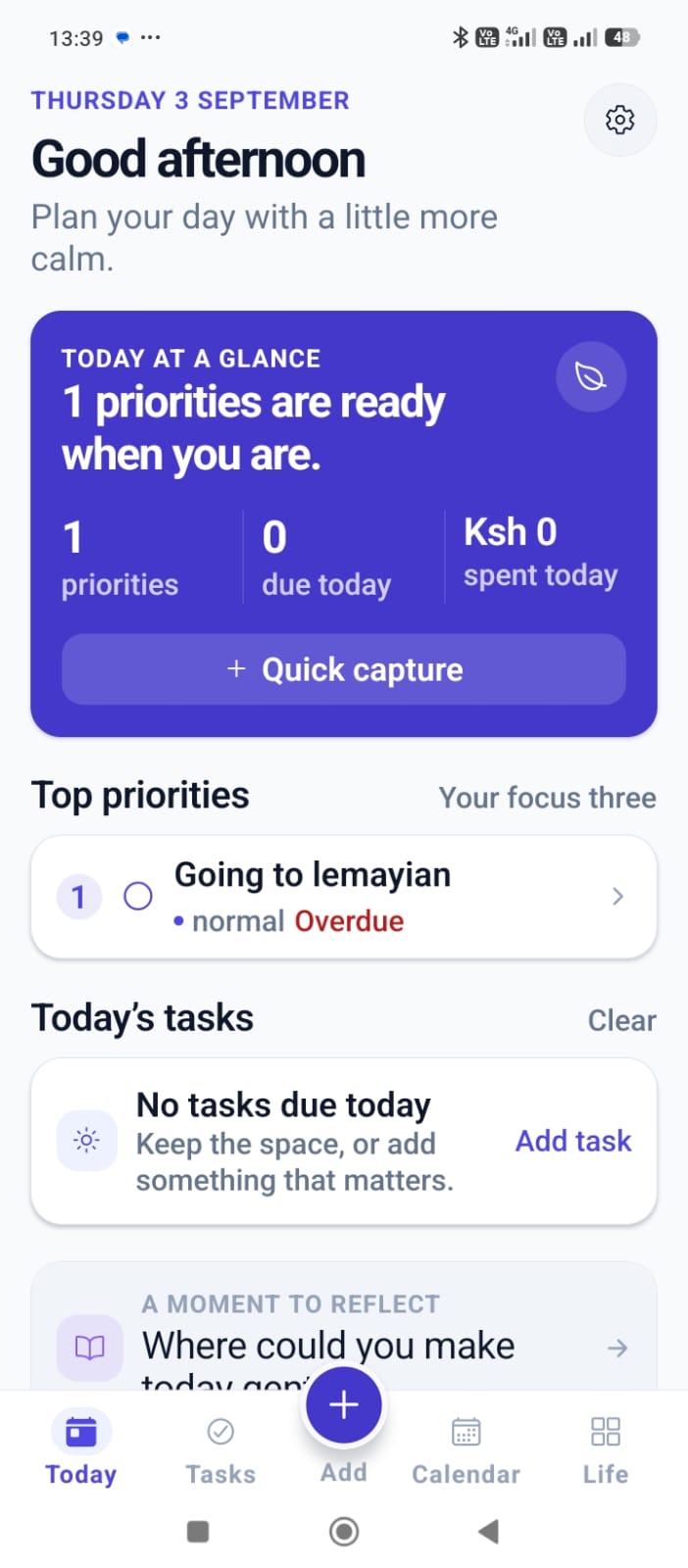
Download Vayoru
Get Vayoru free from Google Play. No account is required to open the app and start using it.
Add your first task
Use Quick capture to add it to your Inbox in one tap, or open the detailed form for a due date, time, priority, and list. It shows up instantly in Today or Upcoming.
Log an expense, write a journal entry, or add an event
Record what you spent, write a short reflection, or put something on your calendar - all reachable from the same Quick capture sheet, in seconds.
Turn on reminders
Give Vayoru notification permission on your device so tasks and events with a due time can send you a local reminder.
Check in when it suits you
Glance at Today, review your Completed tasks, or check your monthly balance - on your schedule, not a forced routine.
Four tools, working together
Finish project outline
Reply to client email
Pick up dry cleaning
Gym session
Tasks
Everything due today, sorted by priority.
Total spent
KES 47,500
Money
A simple monthly breakdown, budget, and balance.
A productive day
Today was a productive day. Finished the client proposal earlier than expected, which
left time for a proper lunch break instead of eating at my desk.
Went for a walk in the evening - the first one in a while. Small thing, but it made
the whole day feel calmer. Want to keep this up more often.
Journal
A private line or two about how the day went.
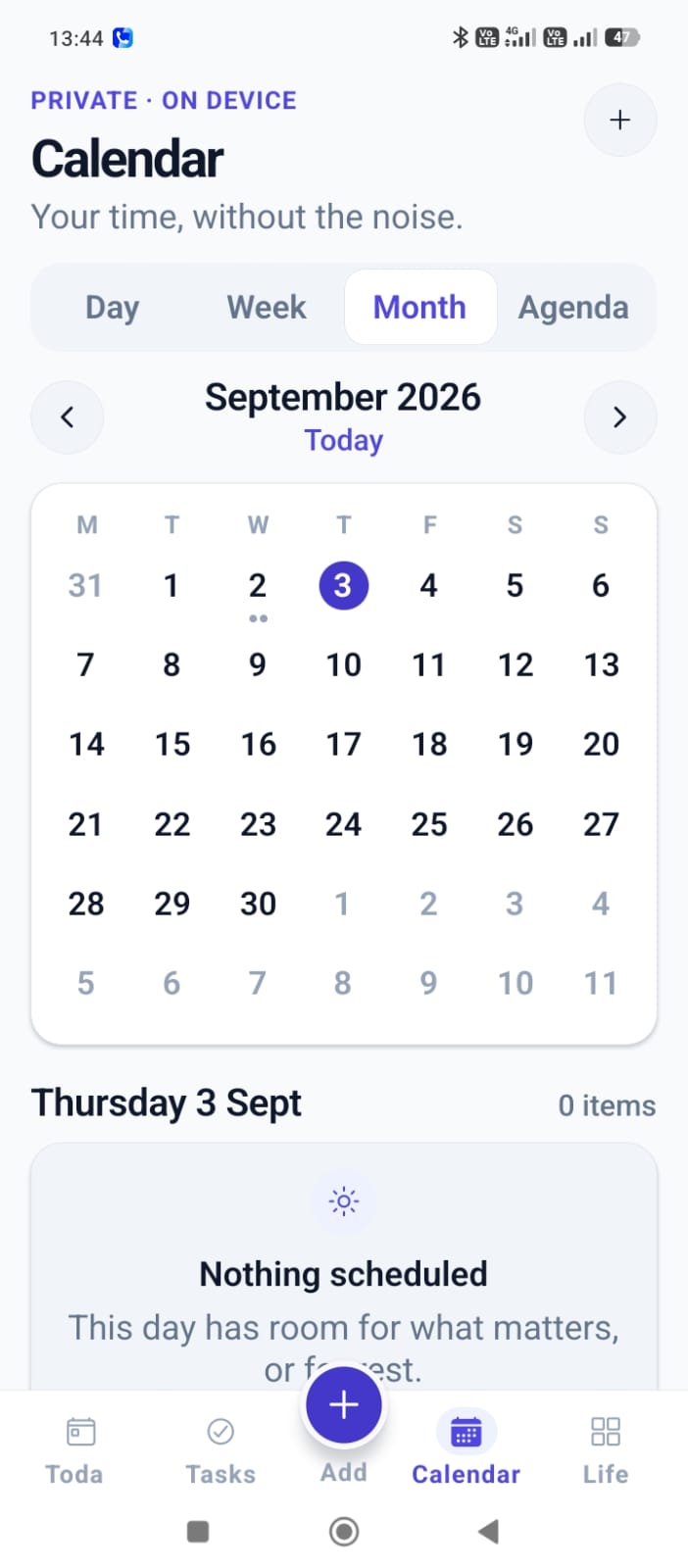
Calendar
Your time, without the noise.
Get started with Vayoru
It takes less time than making a coffee.